
How much does a virtual assistant cost? You've probably got two quotes open right now trying to answer that.
One gives you an hourly rate. The other offers a monthly package with an assistant, backup cover and an account manager.
You divide the package price by its hours and get a number. But that number still doesn't tell you which option will cost less to actually get your work done.
That's the problem with asking how much does a virtual assistant cost. The rate is the easy bit. The real cost depends on what you're buying, how the work gets done, and how much of it still lands back on your desk.
A low hourly rate can be perfect for a clear, well-defined job. It can also turn expensive if you spend hours fixing work, or pay for time you never use.
This guide shows you how to build a budget that reflects reality, with real published price examples and a worked comparison that shows how the "cheaper" quote can end up costing more.
Here, a virtual assistant (VA) means an independent freelancer or agency you buy a service from, not someone on your payroll.

Price one finished job, not "ten hours of help"
Before asking anyone for a price, describe one recurring result you'd happily pay for.
For example:
"A weekly supplier update showing current delivery dates, links to confirmations, and a list of orders that need my decision."
That's far more useful than "10 hours of general help."
Then describe the volume and difficulty. Ten clean, complete records are very different from ten records that need phone calls, chasing and detective work.
Ask each provider to say what assumptions they're making about what you'll supply.
And ask the awkward questions upfront:
- Do meetings count against the hours?
- Are corrections included?
- Does a monthly package reserve availability, or just give you a bucket of hours?
- What happens to hours you don't use?
Also state how quickly you need things. A report due next week can be fitted around other clients. A service that responds throughout your opening hours reserves someone's time even when it's quiet. Same hourly rate, very different service.
If you're not sure what to ask for yet, read our guide on tasks to outsource first. Otherwise every provider makes different assumptions, and the cheapest quote may just include the least work.

What some providers actually charge (as examples, not averages)
Published prices are useful, as long as you treat them for what they are: what particular providers advertised at a particular time. They're not industry averages, and they're not guarantees.
Time etc (US managed service). Its US pricing page, checked on 10 September 2026, listed:
| Hours per month | Price | Works out per hour |
|---|---|---|
| 10 | US$390 | US$39 |
| 20 | US$760 | US$38 |
| 40 | US$1,480 | US$37 |
| 60 | US$2,160 | US$36 |
The page described a dedicated US assistant, matching and support, and mentioned cover and rollover. But it didn't spell out every plan condition. Get the rollover rules for your exact plan before treating unused hours as banked money.
Prialto (managed service). Its pricing page, checked the same day, showed a fractional option at US$1,600 per month with 55 hours of support, plus an engagement manager, process support and backup.
But here's a lesson in reading carefully: the same page's FAQ still mentioned US$1,500, a 90-day minimum and a US$250 setup fee, while the plan card mentioned a setup fee with no amount. Those conflicting details don't add up to one reliable total. If you're interested, ask them to confirm the monthly price, setup fee and minimum term together in a written quote.
Direct freelancers, especially in countries with lower living costs, often charge considerably less per hour. But you're usually buying just their time, without built-in review or cover.
Pricing pages change. Save the dated quote and terms you're actually offered.

Finding someone and paying someone are separate costs
A sourcing platform may charge you for access to applicants. That's not the same as paying for the work.
For example, OnlineJobs.ph's pricing FAQ, checked in September 2026, said a free account lets you post a job and see applications, but contacting or interviewing applicants requires a paid account. It also said you can cancel once you've finished recruiting.
That's paying for access to a search service. The VA's fee is a completely separate cost.
General freelance marketplaces have their own client fees too, which can include payment processing or contract fees. Check the charges on your actual account, not a number from an old comparison article.
So in your budget, keep these in separate boxes:
- Finding someone: platform subscription or agency placement fee (usually a setup cost).
- Paying someone: their ongoing service fee.
And remember: cancelling a recruiting subscription doesn't end your commitment to the VA. Ending with a VA doesn't automatically cancel a subscription.
Hourly pricing only works with clear billing rules
Hourly is great when the amount of work is uncertain. You pay for what's used, usually up to a limit.
But agree what counts as billable time:
- Research, meetings and updating instructions all take time. They're not unreasonable charges just because the final deliverable is short.
- Equally, no surprise charges for work outside the agreed scope.
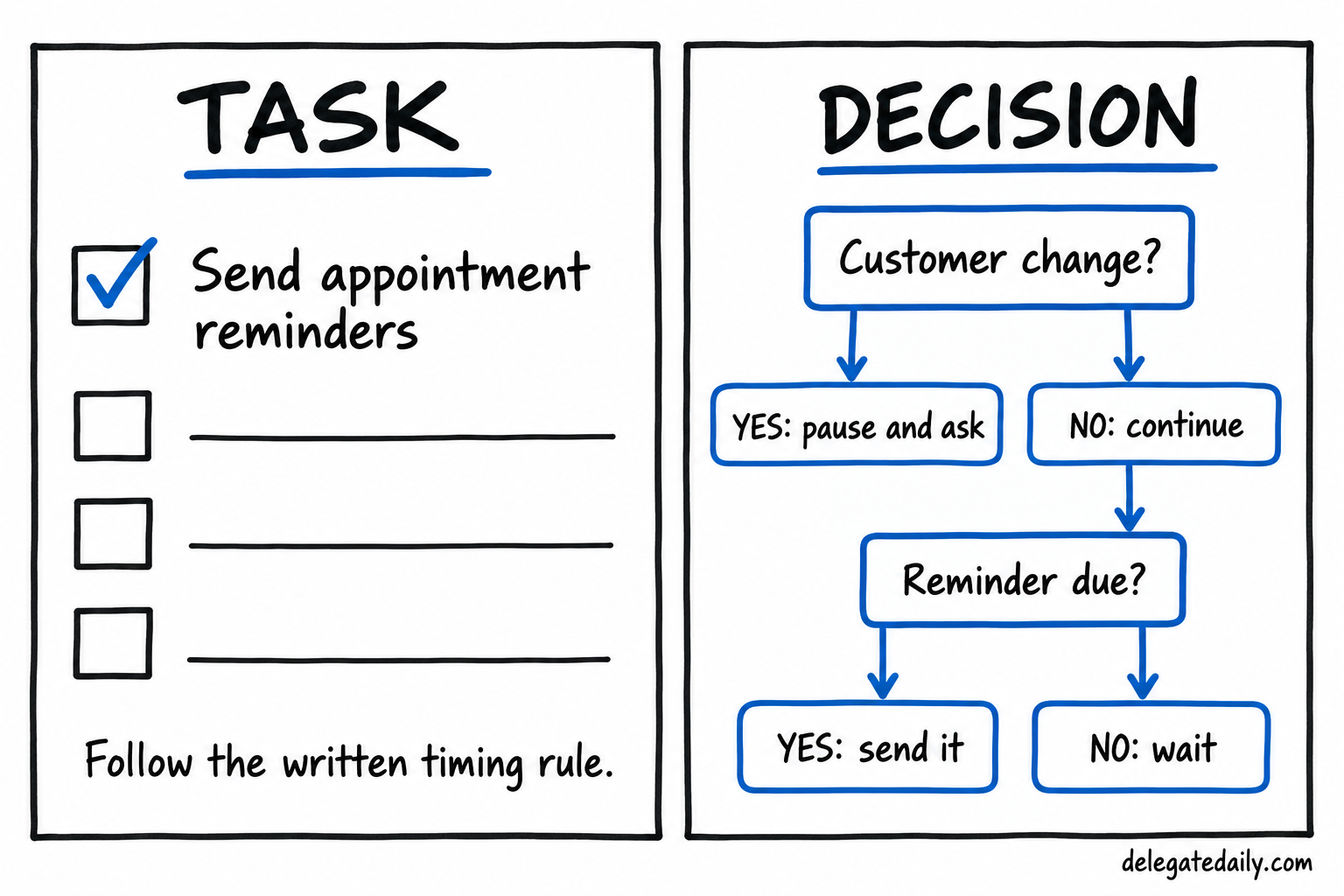
Set a spending cap with an early warning. The warning should arrive while you can still choose what to do: cut the work, approve more time, or accept a partial result. "Tell me when the hours run out" leaves you no choice at all.
Agree how corrections work. The VA missing a clear requirement is different from you changing your mind after delivery. Talk about both upfront. Don't assume unlimited free revisions.
Keep time records useful, not invasive. A task reference, time spent and completion status tells you far more than activity screenshots, and doesn't involve monitoring an independent provider's whole day.

A retainer buys what's written in it, not unlimited help
A retainer is a recurring payment for an agreed service. That's all the word tells you.
Some include a set number of hours. Some cover specific deliverables. Some buy availability.
Ask:
- What happens to unused hours? Expire, roll over, or something else?
- Is rollover capped? Does it expire?
- Can carried-over hours actually be scheduled when you need them?
A project fee can be simpler when there's a clear end point, like organising a defined archive of documents. Specify the inputs, volume, what "accepted" means and what's excluded. If the archive turns out to be twice the size, the original price may no longer apply.
For availability-based services, ask what "available" really means. Acknowledging a request is not the same as completing it.
Our part-time vs full-time guide explains how to tell what you actually need.
Setup costs and monthly costs belong on different pages
The first month often costs more than later months. It might include:
- a paid trial,
- process discovery,
- account setup,
- training sessions.
That's fine. But if you mix those costs into your normal monthly budget, the ongoing service looks more expensive than it is. If you ignore them, the start looks cheaper than it is.
So use two sections:
Initial costs: trial, setup fees, sourcing fees, any new software.
Recurring costs: service fee, ongoing software seats, transfer fees, applicable taxes.
A few more things worth adding:
- Currency. What currency is invoiced? What currency do you hold? Who pays conversion and transfer fees?
- Software. Only buy extra seats if the VA genuinely needs them. Keep business accounts owned by your business.
- Taxes. Get advice relevant to your business and the transaction.
And keep your own time in a separate column from cash. Preparing work, reviewing and answering questions has a real cost, but it's not a bank payment. Seeing both columns tells you whether you can afford it and whether it actually frees you up.
A worked example where the dearer quote comes out cheaper
Here's a hypothetical example. All numbers are invented to show the method, not market rates.
A small retailer wants a weekly supplier-status report covering 24 open orders, with unresolved delivery questions clearly flagged.
Provider A quotes US$20 per hour and estimates 8 hours per report.
Provider B quotes a fixed US$180 per report.
Both get the same example inputs and must deliver the same fields, source links and exception notes.
For four reports:
- A: 4 × 8 × $20 = US$640
- B: 4 × $180 = US$720
A looks US$80 cheaper.
Now the owner estimates their own review time, based on what checking each report would involve:
- A: 45 minutes per report = 3 hours over four reports.
- B: 15 minutes per report = 1 hour over four reports.
The owner values their time at US$50 an hour for planning purposes:
- A: $640 + (3 × $50) = US$790
- B: $720 + (1 × $50) = US$770
Now B is US$20 cheaper overall. In other words, the extra US$80 in cash buys back roughly two hours of the owner's time, about US$40 an hour.
But be careful. Your time cost isn't real money in the bank. If cash is tight, the owner still has to pay B's higher invoice. And if review time turns out to be the same for both, B's advantage disappears.
The sensible next step isn't to pick a winner. It's to run a paid trial and measure the uncertain part: how long reviews actually take.
Test the assumption that could flip your decision
In the example above, three things could reverse the result:
- Accuracy.
- Actual working time.
- Owner review time.
So the trial should include a realistic mix: some complete orders, some with missing information. A perfect sample hides exactly what makes estimates uncertain.
Ask each provider what happens when a supplier doesn't reply:
- Does the price include more chasing, or just reporting the gap?
- When does their responsibility end?
A report can look complete while quietly leaving the follow-up work with you.
Make correction rules comparable too. If one quote includes checking and fixing errors and the other bills all rework separately, account for that before comparing totals.
Then record what actually happens: amount billed, your review time, checks needed, and whether unresolved issues were clearly visible.
One trial won't give you a perfect monthly average. But it will correct wildly wrong assumptions. Our paid trial guide shows how to set one up.
Check the quiet month as carefully as the busy one
A budget built around your busiest month makes a big package look like great value. But if work drops off, the invoice usually doesn't.
So build two more versions.
The quiet month. How many hours would you genuinely use? Don't invent busywork to justify a subscription you bought too early. If you're paying mainly for continuity or fast response, value that honestly rather than pretending every quiet hour is wasted.
The busy month. Can you get extra hours? How are they approved? At what rate? Will it be the same person?
Then read the contract terms:
- renewal date,
- notice period,
- minimum commitment,
- treatment of unused hours or prepaid funds,
- what happens if you pause.
These, not a reassuring guarantee headline, decide what it costs to leave if things don't work out.
And keep enough cash available to meet what you actually commit to. Hoped-for extra sales from your freed-up time are a possible benefit, not a payment method.
Five ways to lower the real cost without hiring someone cheaper
Most people try to cut VA costs by shopping for a lower rate. That's often the most expensive way to save money. Try these first.
1. Fix your inputs. If your VA spends time chasing missing information or hunting for the latest file, you're paying for detective work. Clean inputs make every hour go further.
2. Kill work nobody uses. Before paying someone to keep producing a report, ask who reads it. Stopping it is the cheapest delegation there is.
3. Batch instead of interrupting. Ten scattered requests through the day cost more attention than one tidy batch. If timing allows, agree processing windows.
4. Write down repeated decisions. Every time your VA has to ask you the same question, you both lose time. One written rule removes that cost forever.
5. Shorten your review loop. Work that sits waiting for your approval often needs re-checking later. A fixed review slot in your calendar can save hours of rework.
None of these needs a new provider. They just make the money you're already spending produce more finished work.
Save a budget that explains what would change your mind
Your comparison should let you trace every number back to a quote, a measurement or a clearly labelled guess. Write the source and date beside it.
Use this for each option. Leave unknowns blank with a question, rather than filling them with made-up averages.
VA BUDGET COMPARISON

Service and finished result needed:

Period priced and expected volume:

Provider and dated written quote:

Currency and fee basis:

What's included, availability, exclusions:

Trial, setup and sourcing costs (one-off):

Recurring service and software costs:

Transfer fees and taxes to confirm:

Unused hours rule and extra-work rule:

My setup time (separate):

My ongoing review time, and how I estimated it:

Minimum term, renewal and cancellation:

Cash needed in a quiet month:

Extra capacity and price in a busy month:

Assumption that could change the decision:

Paid test or question needed:
Before you accept, send the provider a short summary of the scope, cap, billing basis and start date, and ask them to correct anything wrong.
Then compare the first few invoices with the actual work done and your remaining time. A good budget changes when evidence changes.
The price worth paying is the one attached to a service you can afford, understand and use, with a clear picture of what's still yours to do.
To check whether it pays off over time, see our virtual assistant ROI guide. If you're paying someone abroad, read how to pay an overseas virtual assistant.
Frequently asked questions
How much does a virtual assistant cost per hour?
It varies hugely by location, skills and service model. For example, in September 2026 one US managed service advertised plans working out between about US$36 and US$39 an hour. Direct freelancers elsewhere may charge much less. Always compare quotes against the same written brief.
Is it cheaper to hire a VA hourly or on a retainer?
Hourly suits uncertain or variable work. A retainer can be good value for steady work, but only if you use what you pay for. Check what happens to unused hours first.
What hidden costs come with hiring a virtual assistant?
Common extras include sourcing platform fees, setup fees, software seats, transfer and currency fees, applicable taxes, and the time you spend preparing work, answering questions and reviewing.
Is a cheaper virtual assistant always better value?
No. A lower rate can cost more overall if the work takes longer or needs more of your time to check and correct. Compare the total cost of getting finished work, including your own time.
Do I pay for the time a VA spends in meetings with me?
Usually yes, if it's part of the work. Agree in advance what counts as billable time, including meetings, updating instructions and corrections.